
Do online music lessons actually work?
The case for learning music over video, the one real thing it cannot do, and how to tell in a single free introductory session whether it will work for you.
By Dr Banerjee ·
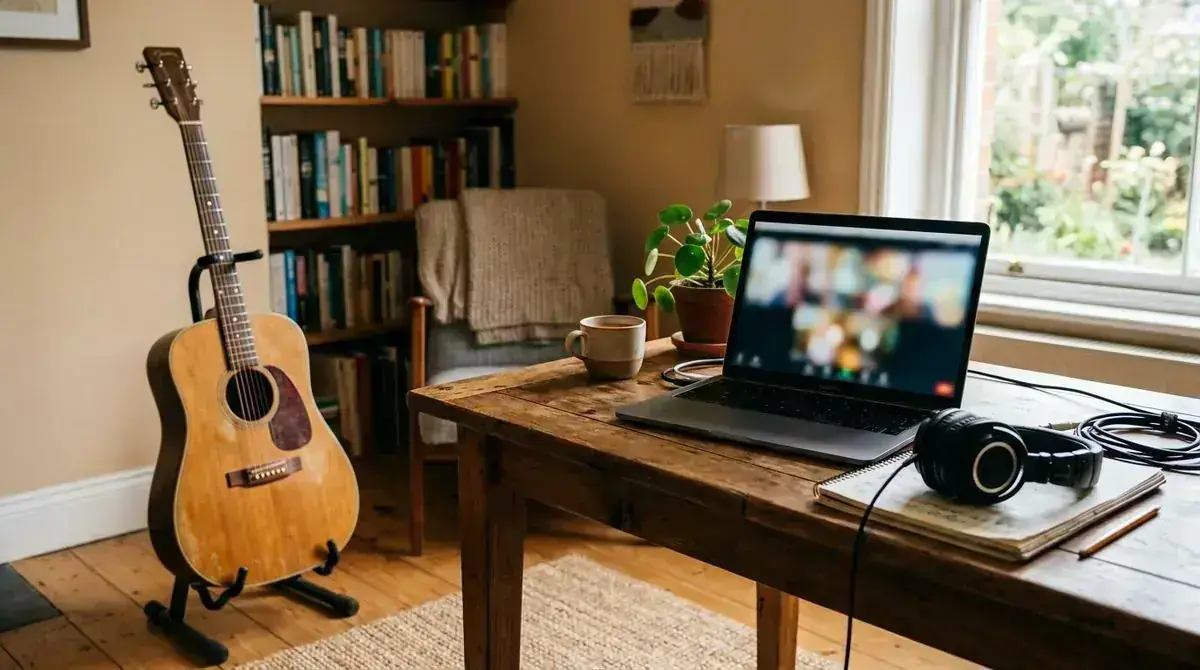
Yes, with one limit
Online music lessons work. I have taught this way for years, and the students who do well are indistinguishable from the ones I taught in a room. One thing a teacher in the room can do that I cannot is move your hands.
For almost every instrument, at almost every level, online lessons work. The exception is the very first physical setup of a beginner's hands, which a teacher can usually manage through description and camera angles but which is faster in person. Everything after that — repertoire, technique, rhythm, theory, exam preparation — transfers without loss.
The evidence from the pandemic years is broad and consistent: students who continued online made comparable progress to students in person, provided the lessons stayed weekly and the practice continued. The variable that mattered was not the medium but the consistency.
The limit: hands
A teacher beside you can physically move your hand into the right shape, adjust a bow hold, or position your fingers on a fret. That is fast, and it is genuinely useful — especially with young children and with instruments where posture is everything. Video cannot do it.
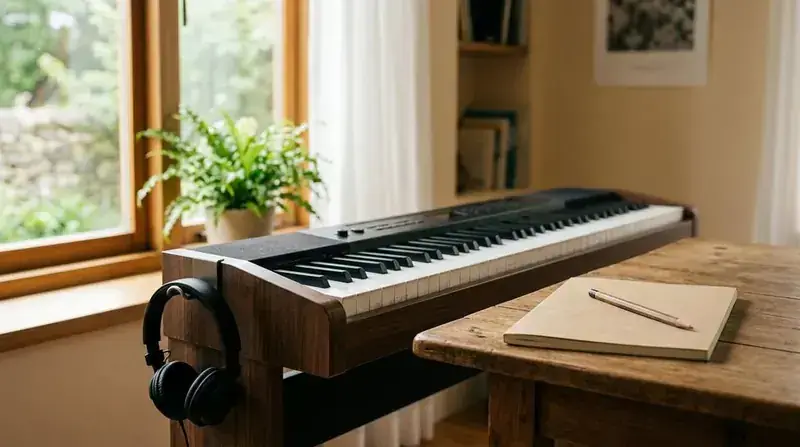
A teacher cannot move your fingers, your jaw or your ribcage. In practice this means instructions have to be precise enough to act on: not "relax your wrist" but "raise the keyboard two inches and let the wrist fall level". Teachers who teach online well develop this precision, and students often end up understanding their own technique better because of it.
For a very young beginner, a parent in the room closes most of the gap. A parent who can reposition a footstool or hold a guitar neck steady while the teacher watches is worth more than a better camera.
What video does better
Four things. First, continuity: you get the same teacher every week, not whoever a marketplace assigns. Second, no commute, which is the reason most adults quit lessons with a local teacher. Third, you can record your own lesson and watch it back — and hearing yourself is where most of the learning actually happens. Fourth, cost, which is not a small thing when lessons run for years.
Recordings. Every lesson can be recorded, and the student can play along with the teacher's demonstration all week — which is closer to how music has always been taught than a weekly hour with nothing in between. Slow-motion playback of a hand position is genuinely useful in a way that watching it once in a room is not.
The other advantage is choice. A student in a small town can study with a specialist in another state, and a family can keep the same teacher through a move. Neither is a novelty; both change what is possible for people outside large cities.
Where the research stands
The research comparing online and in-the-room music teaching is thinner than either side admits, and it does not prove that online beats a teacher in the room. What it does suggest is that when the teaching is good and the student is consistent, the medium matters far less than people assume. Steady lessons with a good online teacher beat sporadic lessons with a great local one.
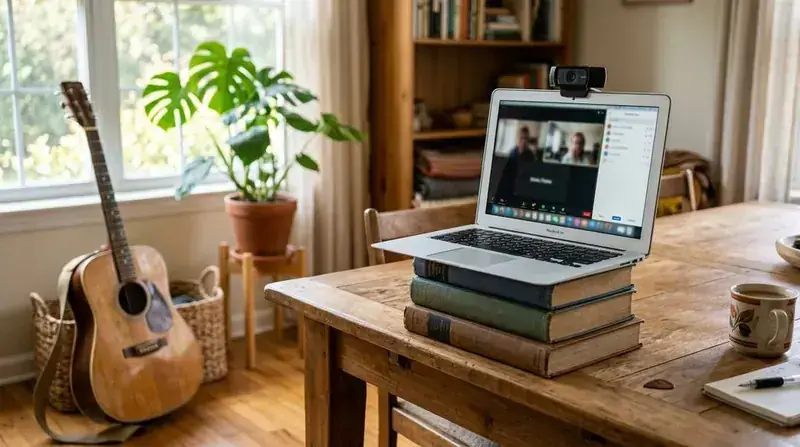
Studies of online instrumental tuition during 2020–2022 generally found that lesson content and student progress held up, while the social and ensemble aspects suffered. That matches what teachers report: one-to-one teaching survived the move, group playing and the casual conversation around a lesson did not.
The practical conclusion is that online works best for individual technique and repertoire, and least well as a substitute for playing with other people. A student who wants both should treat online lessons as the technique half and find an ensemble, a choir or a band for the other half.
What you need for it to work
A stable connection, a quiet room, and a device with a camera. That is genuinely it. A wired connection instead of wifi fixes most problems, and a decent USB microphone costs very little and makes a real difference for singing.
A stable connection, a device at eye level, decent light on the hands or the face, and headphones. A cheap clip-on microphone improves the sound more than a more expensive camera improves the picture. Beyond equipment: a room where you can play or sing at full volume, and a fixed weekly slot.
The most common failure is not technical. It is a student who never sets up the instrument between lessons, so each session begins with ten minutes of finding things. Put the instrument on a stand, keep the notebook with it, and the lesson starts where the last one ended.
How to tell if it will work for you
Take the free introductory session. Not because I am confident you will stay — but because half an hour will tell you whether you can hear well enough, whether the latency bothers you, and whether you like being taught this way. Those are personal, and no page can answer them for you.
Try one lesson and judge three things: could you hear the teacher clearly, did the teacher see enough to correct you, and did you leave with something specific to practice? If all three are yes, the medium is working. If the answer to the second is no, the camera angle is the problem, not the format.
Give it a month before judging progress. The first two lessons are always spent on setup and diagnosis, and a student who quits after one lesson because nothing was fixed has usually quit before the teaching started.
Test the video setup with a short musical check
A quick check before the first lesson can catch a weak microphone or camera angle. Play or sing a short phrase, ask whether the sound is clear, and adjust the device rather than troubleshooting during the full session. The best setup is the one the student can repeat easily.
- Place the device where the teacher can see the relevant hands or posture.
- Test sound at normal playing volume.
- Keep a charger and headphones nearby if the connection needs them.
Before the first lesson, record thirty seconds of yourself playing and watch it back with the sound off. Can you see both hands, the instrument and your posture? Then listen with the picture off: is the sound clear, or is it clipping? Two minutes of checking saves the first ten minutes of the lesson.
If you sing, check that the microphone does not pick up the backing track louder than your voice. If you play piano, check that the camera sees the keys and not just your face. These are the two most common setup problems, and both are fixed before the lesson rather than during it.
Choose a lesson goal that benefits from real-time feedback
Video works well when student and teacher can hear an example, try it, and discuss the result. A focused goal makes this exchange easier than presenting several unrelated pieces at once. Tell the teacher what is difficult so the demonstration can target that exact moment.
- Bring one short passage or question to the call.
- Watch the demonstration, then try the same movement yourself.
- Repeat once with feedback before switching to another task.
Related: what a lesson costs, and the instruments taught.
Frequently asked questions
What equipment is needed for an online music lesson?
A stable internet connection, a device with working audio and video, and the student’s instrument are a practical starting point. Camera placement depends on the instrument. Test the setup before the lesson and ask the teacher what view will make hand position or posture easiest to see.
Can a teacher correct technique over video?
A teacher can observe and describe many visible or audible details, then demonstrate a change for the student to try. Video cannot provide hands-on adjustment, so some physical corrections may take longer. Discuss the instrument and the student’s needs to understand what works well remotely.
How can a family tell whether online lessons are a good fit?
Try a focused introductory conversation, check whether the student can hear and see the demonstration, and notice whether the feedback is understandable. A family can also ask how practice guidance is shared. Fit depends on the student, instrument, teacher, and home setup—not on video alone.
Next step
A short conversation can clarify whether the video setup and lesson goal suit your instrument. Review the monthly options on fees and see what happens in the free introductory session.